Using Regular Browsers
Chrome, Firefox, and Safari cannot safely access .onion sites. They do not route traffic through Tor relays and expose your real IP address. Only use the official Tor browser.
Complete guide to reaching the platform through Tor.
Important: Never access darknet markets from your regular browser. Use Tor browser only. Do not use personal email, real name, or any identifier connected to your real identity.
Tor browser is the only safe way to access .onion websites.
Go to the official Tor Project website at torproject.org. Download the version for your operating system — Windows, macOS, or Linux are all supported. The browser is free and open source.
Verify the download signature before installing. The Tor Project publishes PGP signatures for every release. This prevents you from installing a tampered version that could compromise your identity.
Install the browser to a location you control. On Windows, avoid installing to the default Program Files directory if you want portable use. On macOS, drag the app to your Applications folder.
Establish a secure connection through encrypted relays.
Launch Tor browser. On first run, it asks whether to connect directly or use a bridge. If you live in a country that blocks Tor, select bridge mode and choose obfs4 or snowflake transport.
For direct connection, click Connect. The browser establishes a three-hop circuit through volunteer-operated relays. This process takes 10-30 seconds. You will see a progress indicator.
Once connected, the browser opens to the Tor welcome page. Check the circuit display by clicking the padlock icon in the address bar. You should see three relays listed — entry, middle, and exit nodes.
The Nexus URL rotates periodically for security.
The market changes its .onion address on a regular schedule. This prevents targeted attacks and reduces phishing risk. Check this site for the current verified URL — we update it when the market rotates addresses.
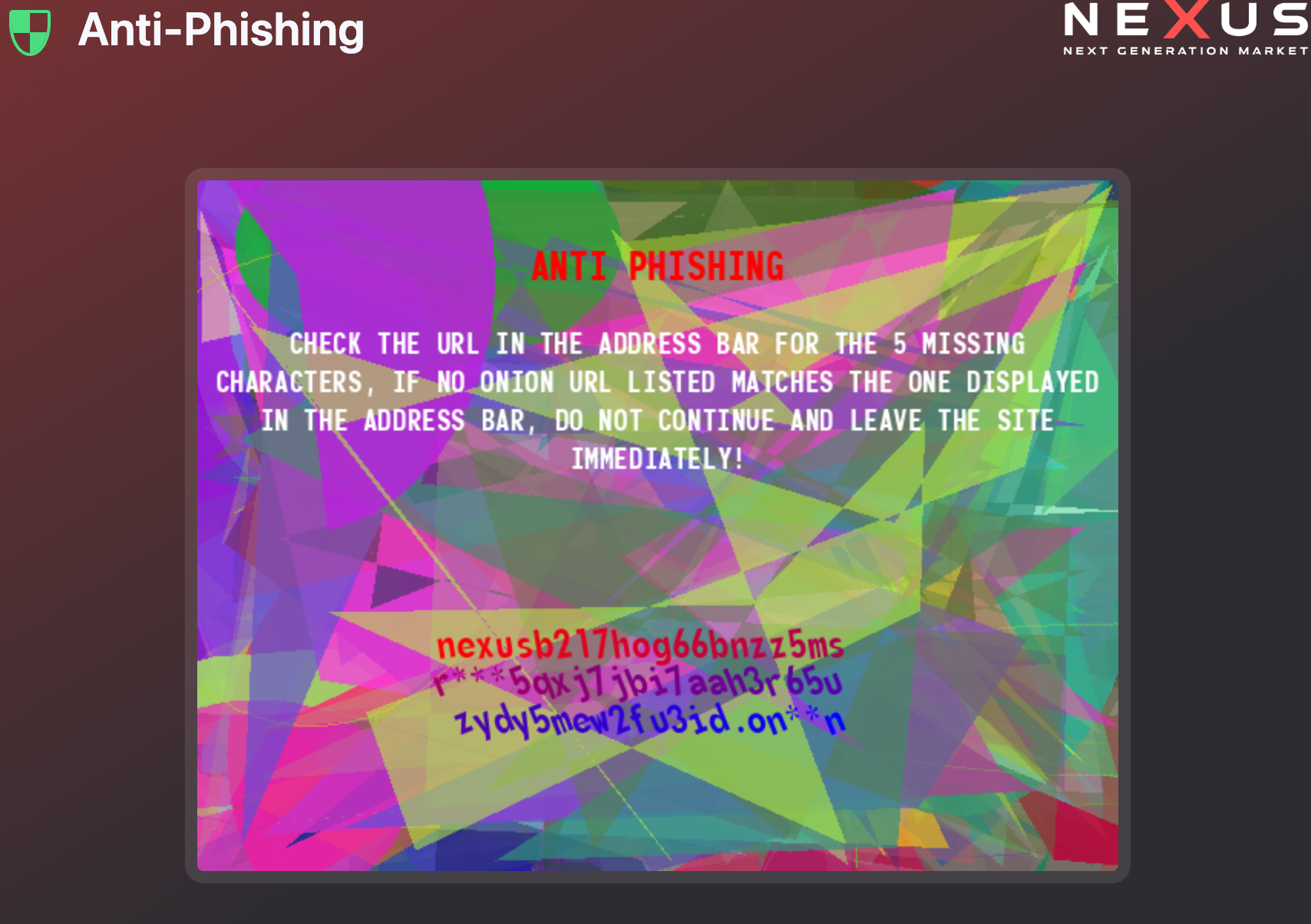
Never trust links from random forums, Reddit posts, or search engines. Phishing operations constantly post fake URLs to steal credentials. The only reliable sources are this site and PGP-signed announcements from the market itself.
The onion address is a long string of random characters ending in .onion. Example format: nexusmarketexample7v4k3r9p2q8x6m5h1j0f3z2.onion. The real address follows this pattern but with different characters.
Register with a completely new identity.
Choose a username that has zero connection to your real identity. Do not use parts of your real name, email, or any handle you have used elsewhere. Generate a random username if you are unsure.
Use a strong password generated by a password manager. Never reuse passwords across darknet services. If one market gets compromised, reused passwords let attackers access your other accounts.
Write down your recovery phrase. The market provides a mnemonic phrase during registration — without it, you cannot recover your account if you lose access. Store this phrase offline, never in a cloud service.
PGP protects your communications with vendors.
Install a PGP client. On Windows, use Gpg4win or Kleopatra. On macOS, use GPG Suite. On Linux, use GnuPG through your terminal or a graphical frontend like Kleopatra.
Generate a new PGP key pair. Use RSA 4096-bit encryption. Do not include your real name or email in the key metadata — use your market username or leave the fields blank.
Upload your public key to your market profile. Vendors will use it to encrypt messages meant for you. Keep your private key secure and never share it with anyone.
Practice encrypting and decrypting messages before making a purchase. Send a test message to yourself to confirm the workflow. If you cannot decrypt messages, you will not be able to receive shipping confirmations or other vendor communications.
PGP-based 2FA prevents account takeover.
Navigate to your account security settings. Select the option to enable PGP 2FA. The market will send an encrypted challenge to your PGP key. Decrypt it and enter the code to confirm setup.
Once enabled, every login requires a PGP-encrypted code. When you enter your credentials, the market sends a random string encrypted to your public key. You decrypt it with your private key and submit the plaintext to complete login.
This means even if someone steals your password, they cannot log in without your private key. Store your private key in a secure location — a hardware token, encrypted USB drive, or offline storage.
Test 2FA by logging out and back in immediately after setup. Make sure you can decrypt the challenge before relying on it. If something goes wrong, you may get locked out of your account permanently.
Fund your account for purchases.
Nexus accepts Bitcoin and Monero. Go to your account wallet page to find deposit addresses for each currency. The market generates unique deposit addresses for every user.
For maximum privacy, use Monero. Monero transactions hide sender, receiver, and amount by default. Bitcoin transactions are public on the blockchain — anyone can trace them with enough effort.
Never send cryptocurrency directly from an exchange to your market deposit address. Exchanges know your real identity and record transaction history. Use a personal wallet in between — transfer from exchange to your wallet, then from your wallet to the market.
Wait for confirmations before making purchases. Bitcoin requires 3 confirmations, Monero requires 10. This typically takes 30-60 minutes depending on network congestion.
Find products and complete transactions safely.
Use the search function or browse categories to find products. Check vendor profiles before purchasing — look at total sales, dispute rate, and recent reviews. Avoid vendors with high dispute percentages or recent negative feedback.
When you find a product, read the full description carefully. Check the accepted payment methods, delivery time, and any special requirements the vendor has. Some vendors require PGP-encrypted communication before accepting orders.
Add the product to your cart and proceed to checkout. The market places funds in escrow automatically. The vendor receives the order notification but cannot access the funds until you confirm delivery or the escrow period expires.
If the product is digital, the vendor sends an encrypted download link through the market messaging system. For services, communicate through PGP to arrange delivery details. Never share information outside the market's encrypted channels.
Review this list before and after every purchase.
New users frequently make these errors. Learn from them.
Chrome, Firefox, and Safari cannot safely access .onion sites. They do not route traffic through Tor relays and expose your real IP address. Only use the official Tor browser.
If you use the same username on multiple darknet markets, compromise of one account links to all others. Generate unique identities for every service.
Tor browser password managers store credentials locally. If your device is seized or stolen, saved passwords are accessible. Use a separate encrypted password manager instead.
Skipping PGP setup leaves your communications exposed. Market administrators can read plaintext messages. Vendors can leak addresses. Always use PGP for sensitive data.
Phishing sites look identical to the real market. A single character difference in the URL sends you to a fake site that steals your credentials and deposits. Verify every link.
Never discuss market activity on Reddit, Discord, or other clearnet platforms. Law enforcement monitors these spaces. Keep all market discussion on the market itself or trusted darknet forums.
Check our FAQ for answers to common access and security questions.